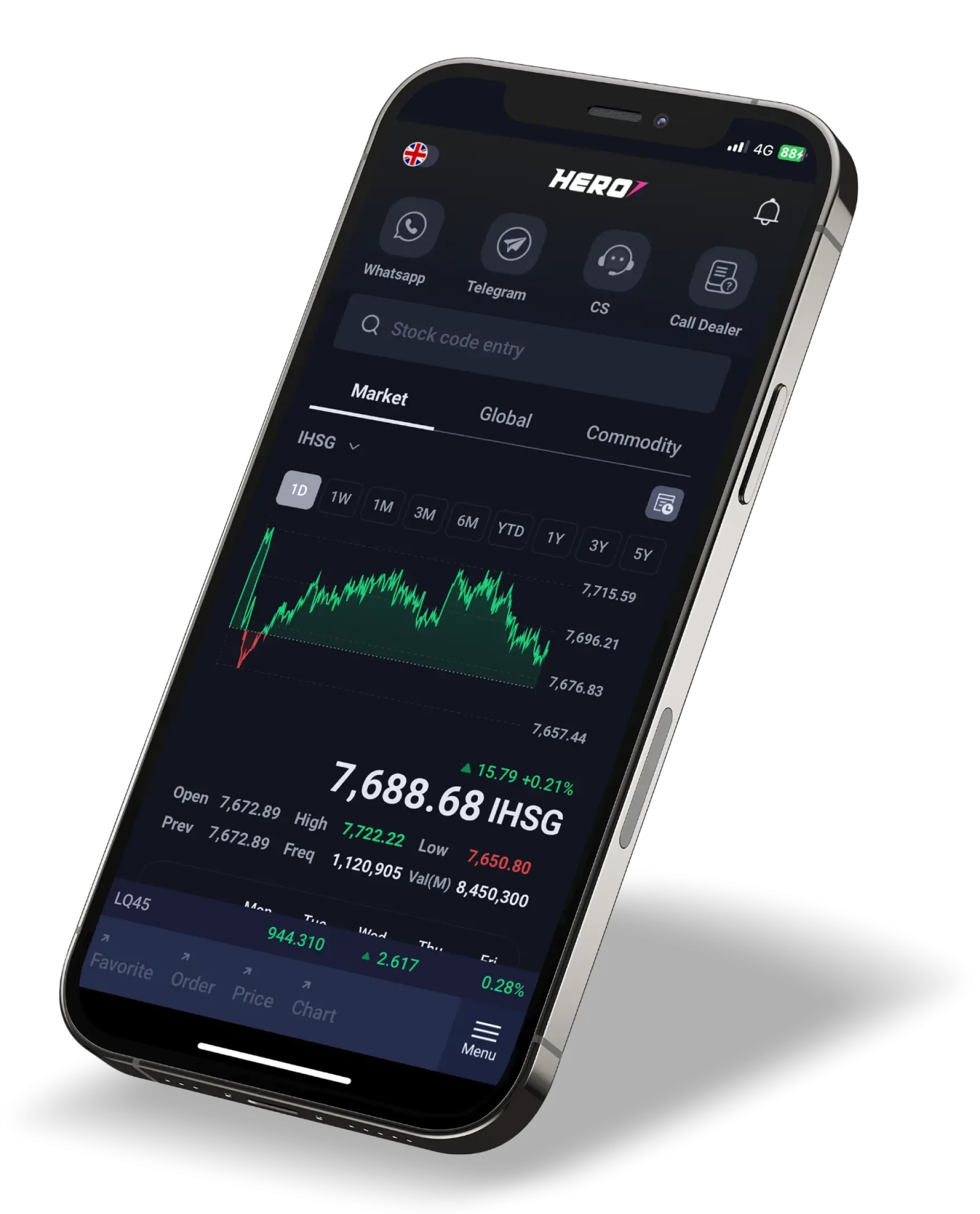
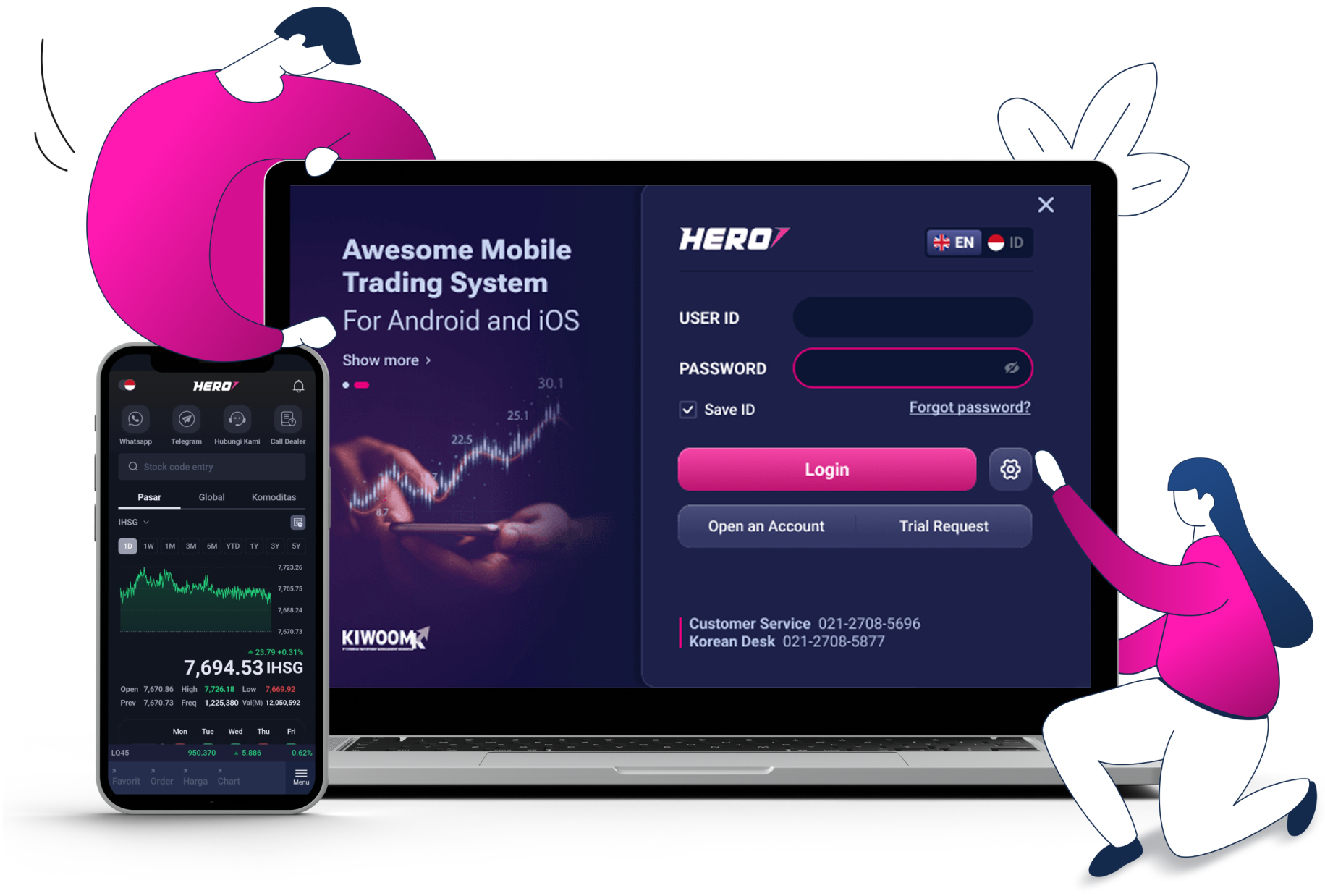
For Indonesian citizens, you can open a securities account online using a mobile device: smartphone and tablet under the following conditions:
- already possess a personal account at BCA or BRIMO (BRI), select the same RDN BANK as your personal bank account, act for yourself and have no tax obligations abroad.
For foreigners, you can fill out the form on this website via smartphone, tablet or desktop, but you are still required to print and send the signed forms to us.
| Indonesian Citizen RDN BCA / BRI |
| e-KTP |
| Taxpayer Identification Number (NPWP) |
| Signature specimen on white paper |
| Selfie with e-KTP |
| Foreign Citizen RDN BCA / BRI * |
| Passport & KIMS/KITAS/KITAP |
| Taxpayer Identification Number (NPWP) |
| Copy of Front Inside Cover of Bankbook |
| Selfie with Passport |
| RDN Mandiri / CIMB Niaga (Offline) * |
| Securities Account Opening Form |
| Customer Fund Account Opening Form |
| Copy of e-KTP (Indonesian) / Passport & KIMS/KITAS/KITAP (foreigner) |
| Copy of Taxpayer Identification Number (NPWP) |
| Copy of Front Inside Cover of Bankbook |
*You are obliged to send the signed form along with the supporting documents required to Kiwoom Sekuritas Head Office.
Both online and offline opening account will take approximately 4 (four) working days since all documents are received completely by KSI.
There are 4 options available:
- Bank BCA
- Bank BRI
- Bank CIMB Niaga*
- Bank Mandiri*
*Opening securities accounts with RDN CIMB and Mandiri only can be done offline.
You can visit our head office or our branch offices to open an account offline. Click here for further information regarding our office location.
No, You can’t. Online opening account can only be done when You act for yourself. When you act on behalf of another party/are a Beneficial Owner, the opening account process can only be done offline by visiting the head office/branch office of KSI.
You are not required to have the same personal bank account as the RDN Bank account that you will select. However, if you choose BCA or BRI as your RDN Bank, it is recommended that you already possess the same account to expedite the securities account opening.
If you do not have one, you can open an account through the nearest BCA/ BRI branch or through their online services. Opening BCA account / Opening BRI account
You can contact Kiwoom Sekuritas Indonesia via:
- Customer Service: (021) 1500 182
- Email Customer Service: customerservice@kiwoom.co.id
- Whatsapp: 0812-8105-4000
- Korean Desk: 021 – 2708 5877
Our team will be glad to help you.
1. Online: Registration via welcome.kiwoom.co.id (follow the steps and conditions that apply). Currently, the online registration is only available for prospective customers with BCA bank account (excluding Blu and BCA Syariah) or BRImo number in BRI bank account.
2. Offline: Fill out the Securities Account Opening Form and the Investor Fund Account (RDN) form by contacting our Customer Service team.
Your phone number will be automatically blocked by our system if you enter incorrect data three (3) times in a row. If this happens, you can contact our Customer Service via WhatsApp.
You may contact our Customer Service via WhatsApp by providing the phone number you use for registration.
You can check the box after click the underlined text.
Customers can use the "Forgot ID/Password" feature on the login page of HERO application and fill in the required questions.
Customers can use the "Forgot ID/Password" feature on the login page of the HERO application. After clicking "Forgot ID/Password," select "Forgot Password?" on the "Find ID" screen. You will then be directed to the Reset Password page and fill in the required questions.
You may contact our Customer Service via telephone number or WhatsApp.
1. Via Home Trading System (HTS)
You can select 'Account' → '[0503] Change Password' → Click 'Login password' tab → Input your Current Password → Input your New Password → Input Confirm Password → Click 'OK'
2. Via Mobile Trading System (MTS)
You can select 'Menu' in the bottom right corner of the screen → Select 'Account' tab → Click 'Account Info' → Scroll down → Select 'Login PWD Change' → Input your current password in 'Password' → Input 'New Password' → Input 'Confirm New Password' → Click Send
1. Via Home Trading System (HTS)
You can select 'Account' → '[0503] Change Password' → Click 'PIN Password' tab → Input your current PIN in 'Account info' → Input your new PIN in 'New Password' → Confirm your new PIN in 'Confirm Password' → Click OK
2. Via Mobile Trading System (MTS)
You can select 'Menu' in the bottom right corner of the screen → Select 'Account' tab → Click 'Account Info' → Scroll down → Select 'Account PIN Change' → Input your current PIN in 'Account PIN' → Input 'New Account PIN' → Input 'Confirm New Account PIN' → Click Send
 ID
ID
 EN
EN
 KR
KR